How to Use a Visual Timer to Finally Start Cleaning
This post has affiliate links. As an Amazon Associate I earn from qualifying purchases — it costs you nothing extra.
"I'll clean for a few minutes" can mean four minutes or four hours, and our brains genuinely can't tell the difference in the moment. That's time blindness, and it makes chores weirdly hard to start.
If you don't know how long something will take, your brain assumes forever. And nobody wants to start a forever task.
A visual timer is one of the simplest tools for this. It shows time disappearing, which makes time feel real. Here's how to use one to get moving.
Why a visual timer, not your phone
Phone timers show numbers. Numbers are abstract. A visual timer shows a colored disk shrinking, or sand falling, so you can see how much time is left at a glance.
It also keeps your phone out of your hand. And we all know what happens when we pick up the phone to set a timer. Twenty minutes later, we're reading about the history of spoons.
Trick 1: The 5-minute start
Set the timer for five minutes and promise yourself you can stop when it goes off. Then pick the easiest task in the room.
Most of the time, you'll keep going. But you don't have to. The permission to stop is exactly what makes starting feel safe.
Trick 2: Race the timer
Turn a chore into a game. How many things can you put away before the red disappears? Can you empty the dishwasher before five minutes is up?
Racing adds a tiny bit of urgency and a tiny bit of fun, and those are the two things our brains need to engage with a boring task.
Trick 3: Guess, then check
Before a chore, guess how long it'll take. Then time it. Emptying the dishwasher? Most people guess 15 minutes. It's usually about four.
Do this a few times and your brain gets better data. "Ugh, dishes" turns into "oh, that's four minutes." Four minutes is easy to start.
Trick 4: Timer blocks with breaks
For bigger jobs, use blocks: 15 minutes of cleaning, 5 minutes of rest. Repeat two or three times.
Breaks are part of the plan, not cheating. Knowing a break is coming makes it easier to keep going through the boring part.
Trick 5: Put one in every main room
A timer only helps if it's in reach when you need it. Keep one on the kitchen counter, one in the bathroom and one on your desk. They're small and cheap, and it removes the "where's the timer" step.
Kids love them too. "Toys away before the green is gone" works a lot better than "clean your room."
Trick 7: Pair the timer with a tiny list
A timer tells you how long. A list tells you what. Together they remove almost every decision.
Write three to five small tasks on a sticky note, like "clear table, load dishwasher, wipe counter." Start the timer and work down the list. When the list is done before the timer, you get a little victory. When the timer finishes first, you stop anyway, and the list is waiting for next time.
No thinking about what's next. No wandering. That's the combo that gets things done on low-focus days.
Trick 6: Use it to stop, too
Timers aren't only for starting. They're also for stopping. If you tend to hyperfocus and end up deep-cleaning grout at midnight, set a timer for when you'll be done.
A clean-enough house and a well-rested you beats a perfect bathroom and a wrecked tomorrow.
Helpful finds
Visual countdown timer
A shrinking color disk shows how much time is left, so "a few minutes" becomes real.
See it on AmazonHourglass sand timer set
Flip a timer for tiny tasks. Watching the sand is oddly calming and keeps you going.
See it on AmazonFlip cube timer
Flip to 5, 15 or 30 minutes to start. Zero setup means zero excuses.
See it on AmazonSet a timer for five minutes today. Pick the easiest thing. See what happens.
If you like pairing timers with checklists, the Tidy Brain Printable Pack includes 5-, 15- and 30-minute cleaning lists that fit perfectly into a timer block.
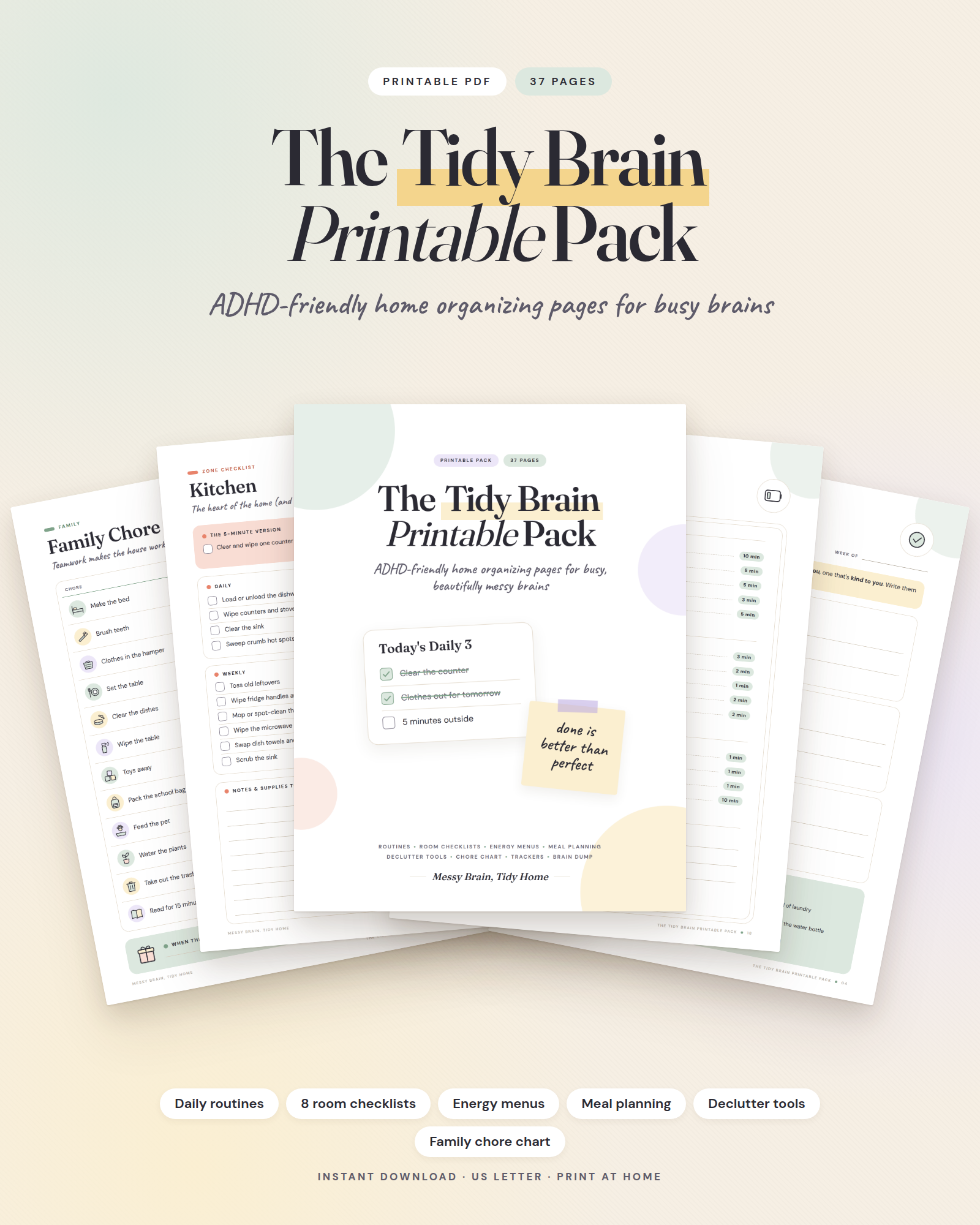
The Tidy Brain Printable Pack
Checklists, trackers and routines made for brains that forget. Print what you need, stick it where you'll see it.
Get the pack · $14